Best Seller Icon Bestseller

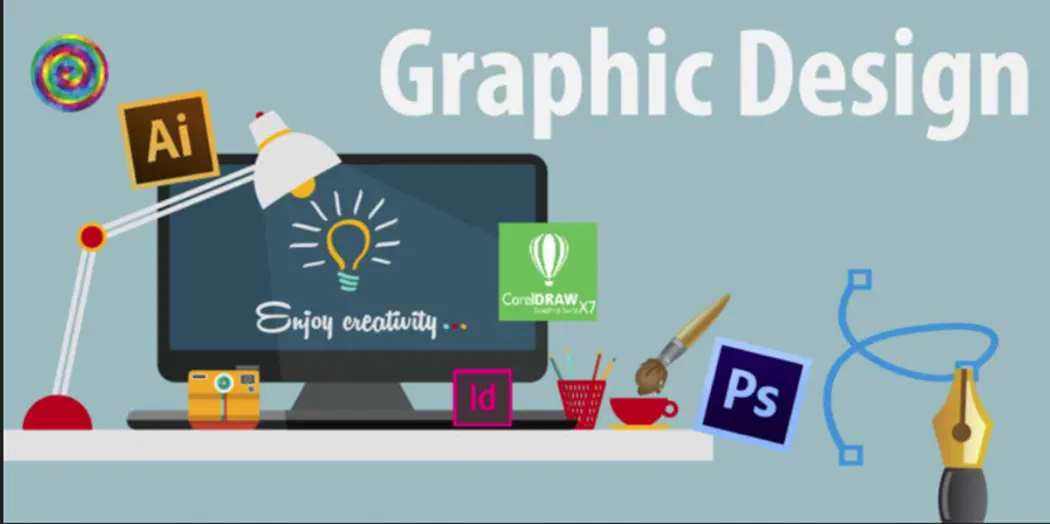
Certificate In CorelDraw(S-C-6416)

  • Last updated Dec, 2025
  • Certified Course
  • Duration2 Months
  • Enrolled0
  • Lectures10
  • Videos0
  • Notes0
  • CertificateYes

What you'll learn

Course Includes

  • ·      Classroom Training Program
  • ·      100% Practical Training
  • ·      Complete eBook
  • ·      Online Offline Assessments
  • ·      100% Job Assistance
  • ·      Access on All Device
  • ·      Lifetime Access Card
  • ·      100% Job Guaranteed Courses
  • ·      Job Referral In MNC
  • ·      Internship With The Organization
  • ·      Training By Work Professional
  • ·      Top Rated Computer Institute
  • ·      We Have Regular Batches

Show More

Course Syllabus

Module 1: Introduction to CorelDRAW

  • What is CorelDRAW?
  • Interface & workspace overview
  • Creating new documents
  • Understanding vector graphics vs raster graphics
  • File formats (CDR, AI, EPS, PDF, SVG, PNG, JPG)

Module 2: Tools & Workspace Customization

  • Pick, Shape, Crop, Zoom, Freehand tools
  • Pen tool, Bézier tool
  • Smart drawing tool
  • Customizing workspace, toolbars & palettes
  • Using rulers, guides & grids

Module 3: Basic Drawing & Editing

  • Drawing lines, curves & shapes
  • Editing nodes and curves
  • Combining, trimming, welding & intersecting shapes
  • Contour, Blend, Envelope, Extrude
  • Working with object properties

Module 4: Working with Colors & Fills

  • Color palettes (CMYK/RGB)
  • Uniform, Fountain, Vector, Texture fills
  • Outline pen & outline properties
  • Transparency tool
  • Eyedropper & Color picker

Module 5: Working with Text

  • Artistic vs Paragraph text
  • Text formatting & spacing
  • Text effects & text on path
  • Paragraph layout tools
  • Creating logos, nameplates, and badges

Module 6: Working with Images

  • Importing & editing images
  • Bitmap effects
  • PowerClip (placing images inside shapes)
  • Image tracing (convert bitmap to vector)
  • Cropping & transparency adjustments

Module 7: Layout & Page Design

  • Multi-page documents
  • Master layers and master pages
  • Creating business cards, brochures, posters
  • Using guidelines & alignment tools
  • Creating print-ready layouts

Module 8: Special Effects & Advanced Tools

  • Drop shadows & transparency
  • Lens effects
  • Blending & mesh fill
  • Perspective & distortion tools
  • Creating professional vector illustrations

Module 9: Logo Design & Branding

  • Shapes & symbol building
  • Clean line art for logos
  • Brand elements & brand sheets
  • Exporting logos for print & digital

Module 10: Exporting & Printing

  • Export formats for print and web
  • Bleed, crop marks & color profiles
  • Prepress tools
  • PDF export settings

Module 11: Projects

  • Logo design project
  • Business card design
  • Poster/flyer design
  • Vector illustration project
  • Packaging design layout


Course Fees

Course Fees
:
₹7500/-
Discounted Fees
:
₹ 3499/-
Course Duration
:
2 Months

Review

0.0
Course Rating (0 reviews)
0%
0%
0%
0%
0%