Course Syllabus
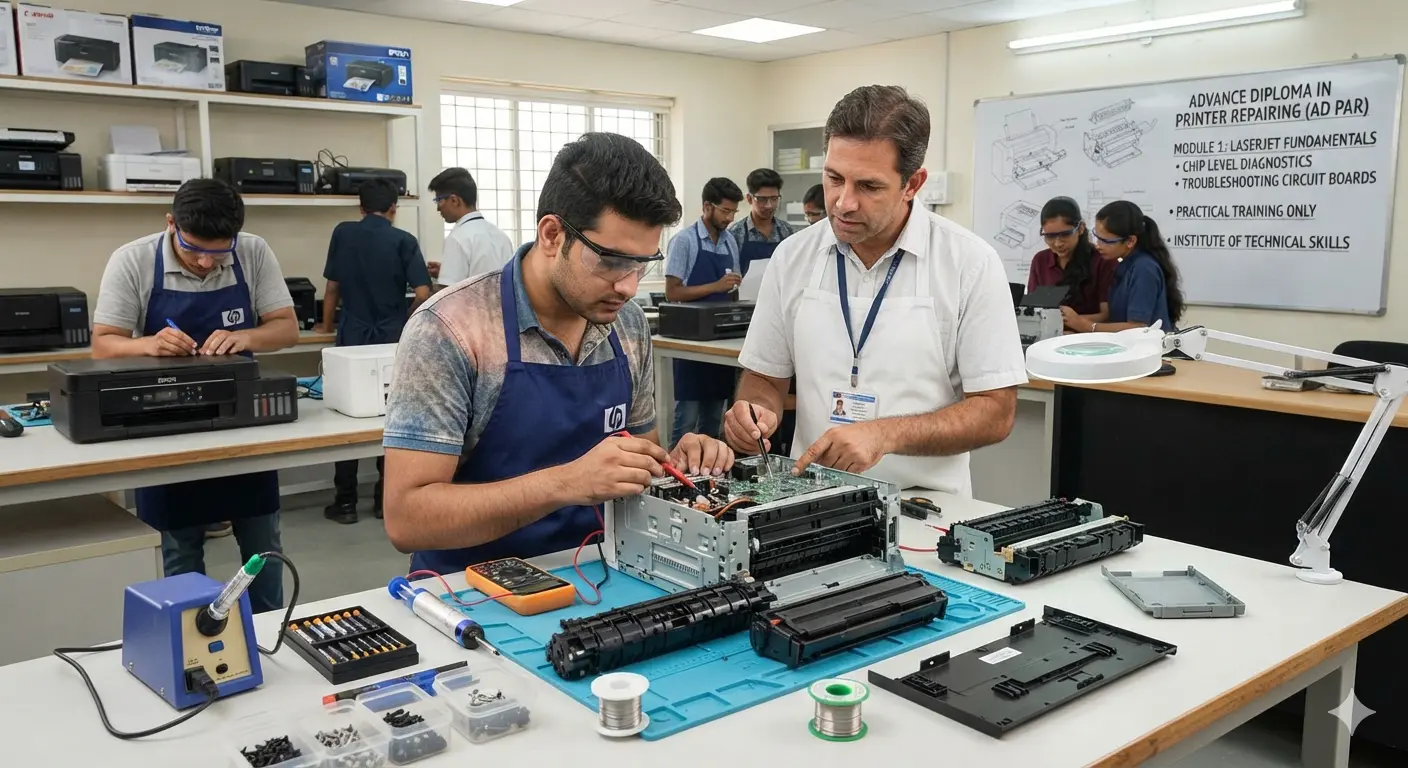
MODULE :1. Basic Electronics & Diagnostic Tools
- Electronic Components: Testing resistors, capacitors, transistors, diodes, and inductors.
- Circuit Board Repair: Understanding the Logic Board (Motherboard) and Power Supply Unit (SMPS).
- Using Repair Tools: Mastering the digital multimeter, soldering iron, SMD rework station, and desoldering pump.
MODULE :2. LaserJet Printer Technology
- Core Mechanism: Understanding laser scanning, electrophotographic processes, and fusing.
- Hardware Servicing: Repairing and replacing the fuser assembly, Teflon sleeve, pressure roller, and pickup rollers.
- Toner Cartridge Refilling: Opening, cleaning, and refilling popular laser cartridges (e.g., 12A, 88A), alongside replacing drums and blades.
MODULE :3. Inkjet & Ink Tank Printers
- Ink Delivery Systems: Troubleshooting ink flow, fixing air gaps in tubes, and damper cleaning.
- Print Head Maintenance: Unclogging dried print heads, performing manual flushes, and aligning print heads.
- Sensor & Error Troubleshooting: Resolving paper jam errors, strip sensor cleaning, and resetting "waste ink pad full" errors.
MODULE :4. Dot-Matrix & Multi-Function Printers (MFP)
- Dot-Matrix Basics: Repairing print head pins, replacing ribbons, and fixing carriage drive belt issues.
- All-in-One Features: Servicing built-in flatbed scanners, automatic document feeders (ADF), and photocopier assemblies.
MODULE :5. Installation, Drivers & Networking
- Software Configuration: Installing official printer drivers and utility software on Windows and macOS.
- Network & Wireless Setup: Configuring Wi-Fi printing, assigning static IP addresses, and enabling network sharing (LAN).
- Firmware Flashing: Using EEPROM resetters and software tools to clear hardware lockouts.

 Bestseller