Course Syllabus
✅ Module 1: Introduction to DTP
- What is Desktop Publishing?
- Importance & applications of DTP
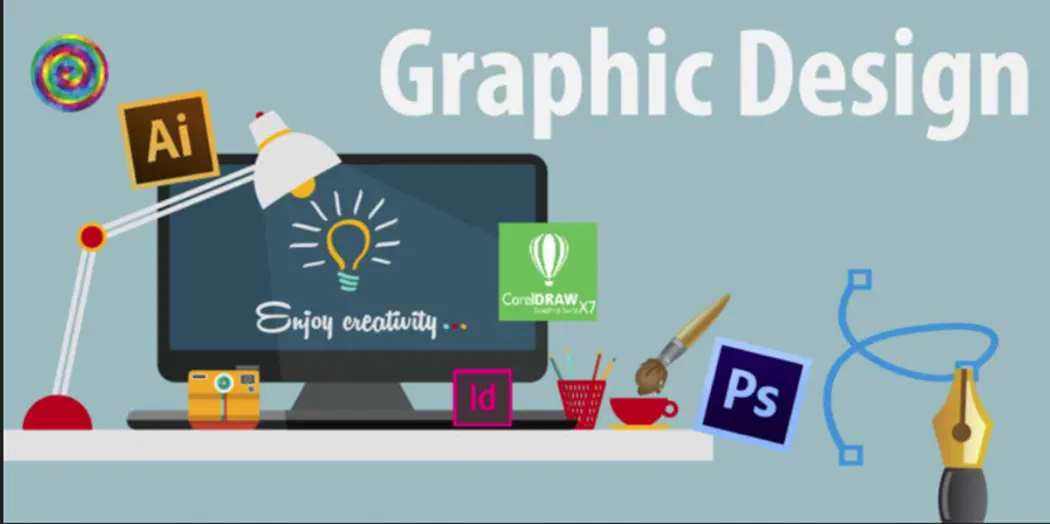
- Overview of DTP software tools
- CorelDRAW
- Adobe Photoshop
- Adobe PageMaker / InDesign
- Understanding design principles
- Colour modes: RGB vs CMYK
- Resolution and image formats
✅ Module 2: CorelDRAW
Basics of CorelDRAW
- CorelDRAW interface & tools panel
- Drawing basic shapes
- Working with curves & Bezier tool
- Object selection, alignment, transformation
Text & Layout
- Artistic text & paragraph text
- Text formatting
- Text wrapping & linking
- Page layout design
Design Elements
- Borders, backgrounds, fills & gradients
- Working with layers
- Working with images (import, edit, trace bitmap)
CorelDRAW Projects
- Logos
- Business cards
- Brochures
- Letterheads
- Flyers
- Certificates
- Posters & banners
✅ Module 3: Adobe Photoshop
Photoshop Basics
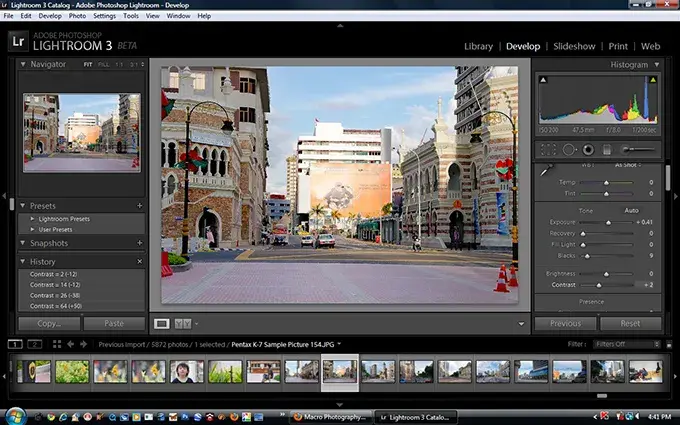
- Interface, workspace & panels
- Image size & resolution
- Layers & layer styles
- Selection tools & techniques
Image Editing
- Photo retouching
- Colour correction
- Filters & effects
- Background removal
- Image manipulation
Text & Graphics
- Typography basics
- Text effects
- Blending modes
- Creating design templates
Photoshop Projects
- Photo editing
- Advertisement banners
- Magazine covers
- Social media posts
- Product design mockups
✅ Module 4: Adobe PageMaker / Adobe InDesign
(You can teach either one—InDesign is the modern replacement for PageMaker)
PageMaker / InDesign Basics
- Workspace overview
- Creating a new document
- Master pages
- Frames & layout tools
Text Handling
- Inserting text
- Column & paragraph formatting
- Text flow between pages
- Style sheets
Design Tools
- Working with graphics in layout
- Image placement & wrap options
- Designing multi-page documents
PageMaker / InDesign Projects
- Book layout
- Newspaper layout
- Magazine layout
- Pamphlets & brochures
- Calendars
✅ Module 5: Printing & Publishing
- Understanding printing processes
- Pre-press preparation
- Bleed, margins & guidelines
- Exporting files for printing (PDF, EPS, TIFF)
- Colour correction for print
- Packaging files & fonts
- Paper types & printing methods
✅ Module 6: Final Projects & Portfolio Development
- Complete branding design project
- Logo
- Business card
- Letterhead
- Envelope
- 4–6 page brochure
- Multi-page magazine or newspaper
- Advertisement campaign posters
- Social media graphics pack
- Final portfolio creation (Print + Digital)

 Bestseller